1. AppSheet: The Solution to Transform Google Sheets into Professional No-Code Applications
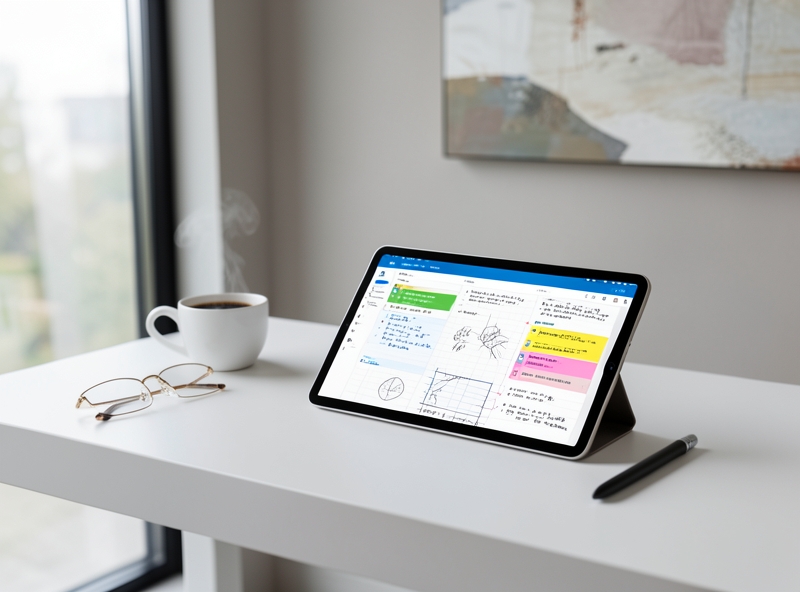
The era of relying on expensive IT teams to build internal software has ended. No-code is no longer just a passing trend; it is a mandatory strategic weapon for any business looking to optimize performance. AppSheet – a platform acquired by Google – is the key for you to master this game. Don't settle for dry spreadsheets; turn them into powerful, flexible, and professional mobile applications.
"In the technology race, stagnation is death. No-code is not just a way to create applications; it is a way to liberate management thinking and take more decisive action."
Why should you stop using plain Google Sheets immediately? Because traditional spreadsheets have fatal limitations: high risk of data errors due to manual entry, lack of security when sharing files, and extreme difficulty when operating on mobile devices. AppSheet shatters all those barriers. By connecting directly to your existing data, you can create intuitive data entry interfaces, set up automated approval workflows, and define detailed permissions for every employee.
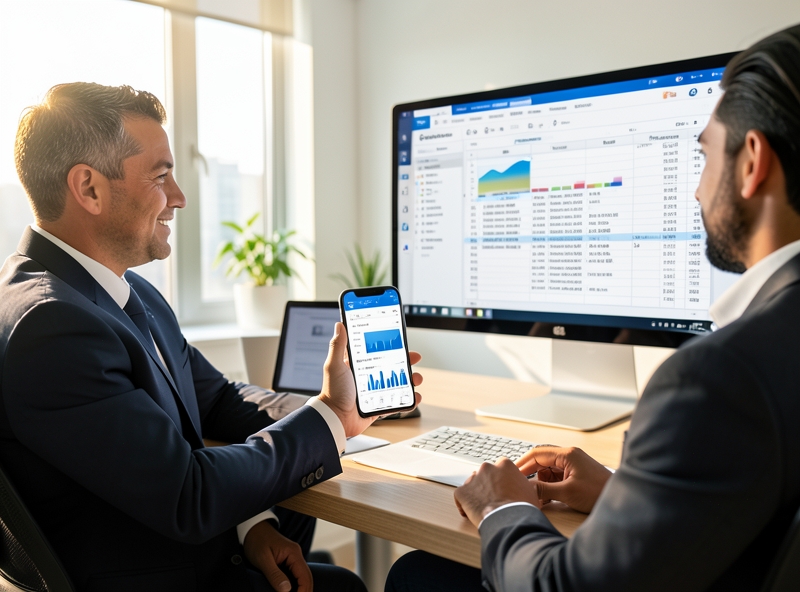
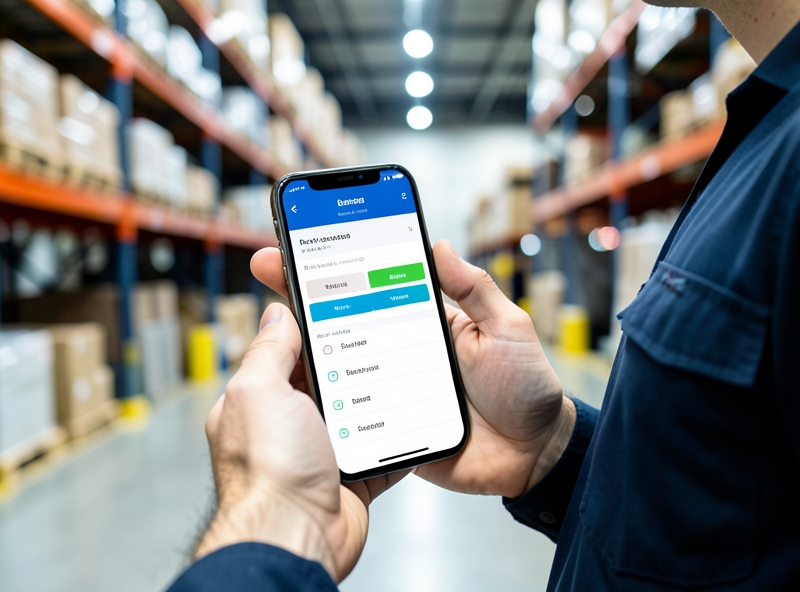
Work efficiency will skyrocket when information flows in real-time. Instead of waiting to open a laptop and search for a data row, your employees can update warehouse status, sales, or schedules right on their phones with just a few taps. This is not just convenience; it is discipline in data management.
| Features | Traditional Google Sheets | AppSheet Application |
|---|---|---|
| Interface (UI/UX) | Complex rows and columns, hard to read | Modern app interface, intuitive buttons |
| Security | Share the entire file, easy to lose data | Role-based access control (Admin/User) |
| Data Entry | Prone to typos and wrong formats | Barcode scanning, photo capture, direct signatures |
| Automation | Dependent on complex Apps Script | Built-in Automation workflows (Send Email, Chat) |
The true power of AppSheet lies in its ability to integrate AI and powerful automation. You don't need to know a single line of code to set up a system that automatically sends reports every morning or notifies via Telegram when there is a new order. This is how leading businesses are operating: Faster, more accurate, and completely eliminating waste in the process.
Action Plan for you:
- Step 1: Data Audit. Review the most important Google Sheets currently used for management (Inventory, HR, Sales).
- Step 2: Connect Instantly. Access AppSheet.com, connect to that Google Sheets file, and let AI automatically suggest the initial application structure.
- Step 3: Set Validation Rules. Stop free-form data entry; set up Dropdown menus and mandatory formats to standardize input data.
- Step 4: Implement Discipline. Ask the team to uninstall the Sheets app on mobile and switch to using AppSheet to build professional work habits.
2. Preparing a Standard Data Structure on Google Sheets
In Google's no-code ecosystem, Google Sheets is not merely a spreadsheet tool but serves as a fundamental Relational Database for AppSheet. Establishing the data structure right from the initial phase determines the artificial intelligence's ability to recognize logic and the application's stability during long-term operation.
"Clarity in data structure is the prerequisite for the accuracy of automated processing algorithms. A normalized spreadsheet reduces data conflicts by 80% when transitioning to the user interface."
The most fundamental principle in building a database on Google Sheets is the "First Row" rule. By default, AppSheet scans row number 1 to identify column labels (Headers). These labels must be written as plain text, without merged cells, and without any blank rows separating them from the actual data starting from row number 2. Maintaining data continuity ensures that column identifiers are not misaligned or lost during the synchronization process.
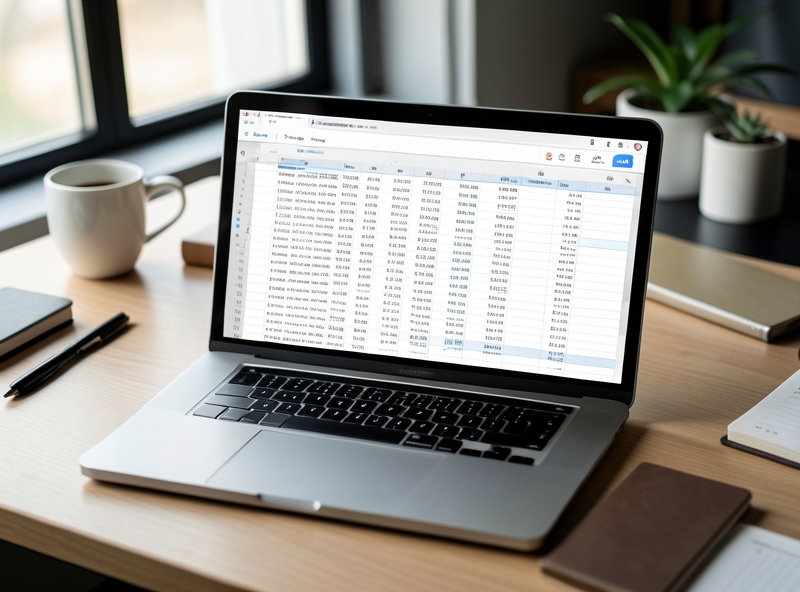
To optimize retrieval capabilities, data columns should be clearly named, avoiding the use of complex special characters. Depending on the management purpose, the data structure framework will vary but must always ensure unique identification (Primary Key). Below are suggested structures for two common models in office administration:
| Management Model | Required Header Columns | Data Purpose |
|---|---|---|
| Inventory Management | Item Code (SKU), Item Name, Category, Quantity, Unit Price, Image, Warehouse Location. | Track inventory fluctuations and identify products through visual images. |
| HR Management | Employee ID (ID), Full Name, Position, Department, Join Date, Email, Phone Number. | Establish employee identification and access permissions based on position or department. |
An important technical note is defining the Data Type right within Google Sheets. Although AppSheet has the ability to automatically predict data types (such as Image for the Image column, Number for the Quantity column), users proactively cleaning input data — removing extra spaces, unifying date formats (YYYY-MM-DD) — will help the system perform calculation queries more accurately. For the "Image" column, the actual data in Sheets can be a URL or a file name, but the column header must correctly reflect the content for the system to activate the camera or file upload feature on the mobile app.
- Uniqueness: Always have at least one column containing non-duplicate values (Employee ID, SKU) to serve as a primary key.
- Consistency: Do not change column header names after connecting to AppSheet to avoid data schema breakages.
- Minimalism: Remove auxiliary columns and complex formulas directly on Sheets if they can be replaced by Virtual Columns in AppSheet to increase data loading speed.
3. Steps to Initialize an AppSheet Application from a Spreadsheet
The transition from bulky paper documents to digital applications not only optimizes office performance but is also a practical action to protect precious forest resources. As we reduce printing, every electronic form created is a promise for the sustainable development of the natural ecosystem. The process of initializing an AppSheet application from a spreadsheet (such as Google Sheets) takes place very smoothly, much like how a seed begins to sprout from the ground.
To begin this green digitalization journey, you simply need to follow these streamlined steps:
- Step 1: Prepare data: Open the spreadsheet containing the data you want to convert. Ensure the columns are clearly named in the first row – this is the sturdy "framework" for your application.
- Step 2: Connect the platform: On the Google Sheets toolbar, select Extensions > AppSheet > Create an app.
- Step 3: Automatic initialization: The system will automatically analyze the data structure and navigate you to the Editor interface. Here, a rudimentary application has been formed without wasting a single drop of ink or a sheet of paper.
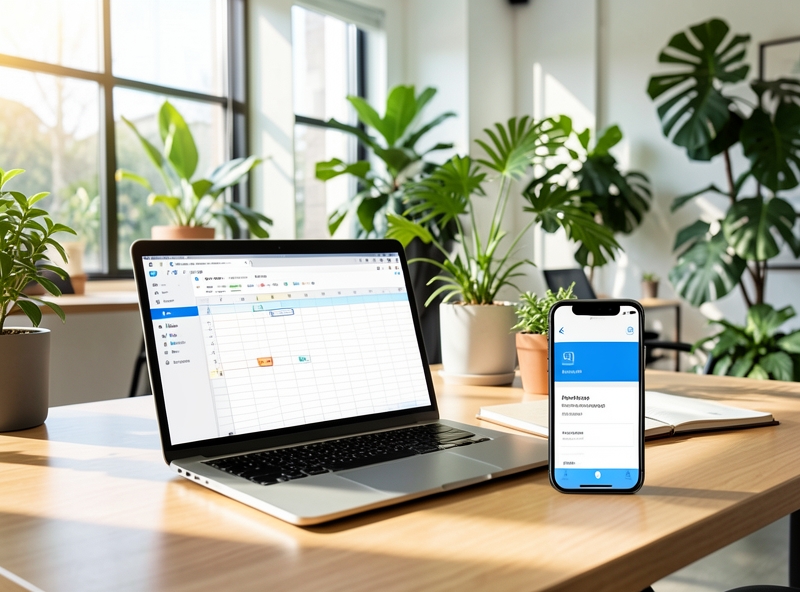
After a successful connection, you will enter the AppSheet Editor space. This is where you can nurture and develop your application following the "no-code" philosophy, saving intellectual energy and precious time. This interface is divided into intuitive functional areas:
- Data: Where you manage the "nutrients" for the application. You can define data types (text, images, GPS coordinates) and establish logical relationships between tables.
- UX (User Experience): Here, you are free to customize the appearance of the application. From elegant colors inspired by nature to arranging charts, maps, or schedules to be most harmonious and easy to use.
- Behavior: This is where you set up automated reflexes for the application, such as sending notification emails or updating data when changes occur, helping the process run as smoothly as a natural flow.
"Technology is truly valuable when it helps people work more efficiently while maintaining balance with the surrounding living environment."
| Configuration Element | Functional Description | Sustainability Benefit |
|---|---|---|
| Data | Manage and format input data. | Cloud storage, completely eliminating paper records. |
| UX | Design interface and information display methods. | Intuitive interface, reducing training time and power consumption. |
| Behavior | Set up automation processes. | Reduce manual errors, optimize human resources. |
By making the most of AppSheet's power, we are step-by-step building a smarter, lower-emission office environment. Understanding these basic initialization steps is the foundation for you to create sustainable digital solutions, contributing to preserving the green for future generations.
4. UI Customization (UX) and Automation
Optimizing the interface is not just about arranging buttons; it is about designing a seamless workflow that minimizes mental energy consumption for personnel. In a sustainable digital office ecosystem, reducing redundant steps is also how we conserve digital resources and valuable human time.
Depending on the purpose of use, you can choose appropriate display styles (Views) to optimize the experience:
- Deck view: Suitable for lists that require visual clarity, displaying summary information with small images, helping users easily browse without being overwhelmed by data.
- Table view: An ideal choice for raw data requiring quick comparison between rows and columns, similar to traditional spreadsheets but more flexible.
- Gallery: Transforms items into vivid image cards. This is a great way to showcase product catalogs or personnel profiles, creating a friendly and modern feel.
To get closer to the "paperless office" goal, integrating smart features is a highly environmentally responsible step. Instead of printing stacks of documents just for archiving signatures or inventory, we can leverage the power of mobile:
- Barcode/QR Scanning: Helps control the lifecycle of products and internal assets accurately, minimizing loss and resource waste.
- Digital Signature: Completely cuts down the need for paper and ink, protecting thousands of trees from being harvested just for administrative procedures.
- GPS Location: Optimizes the travel routes of field staff, thereby directly reducing carbon emissions into the environment through fuel savings.
"Every digitized feature applied is a silent commitment to nature conservation. We are not just working more efficiently; we are working more kindly with this planet."
Finally, the heart of an intelligent operating system is Automation. Setting up instant response scenarios allows the system to operate itself without continuous manual intervention, saving electricity for computer operations and labor power:
| Trigger | Automated Action | Sustainable Benefit |
|---|---|---|
| Inventory level below minimum | Send automated notification email to supplier | Avoids waste due to overstocking or operational disruptions. |
| Personnel contract expiring soon | Send reminder notification to HR via app | Reduces paper notification printing and manual file preparation. |
| Project status change | Real-time updates for stakeholders | Saves time on unnecessary meetings and travel. |
By setting up automated email notification flows for fluctuations in warehousing or personnel, the management process becomes transparent and seamless. This connectivity not only brings economic efficiency but also fosters a harmonious working environment where technology acts as a bridge helping humans and nature develop sustainably together.
5. Testing, Deployment, and User Permission Management
You know, building an application is like personally heading into the kitchen to cook a feast for your friends. No matter how confident you are in your skills, before serving the dishes on the table, you still have to taste a spoonful of soup to see if it's too salty or bland. In the world of office technology, that "tasting" step is the Preview and bug-testing phase.
Don't rush to hit the "Publish" button without testing the app on various devices. Put yourself in the shoes of the most tech-illiterate colleague in the office. Would they know where to click to enter data? Do the buttons jump around when viewed on a phone? Use the Preview feature to take a walk around the "house" you just built, open every door, and check every drawer to ensure everything is smooth.
"A good application is not just one that runs correctly, but one that doesn't make the user ask: 'What do I do next?'"
Once you are certain everything is "delicious," the next step is Deploy – which means bringing the application into a real-world environment. This is when you officially cut the ribbon for the grand opening. This process is usually quite simple, requiring just a few clicks to change the status from "Draft" to "Deployed." From this moment on, your application is ready to welcome its first "guests."
However, "opening the door" doesn't mean everyone is allowed to do everything. This is when you need to show off your management skills through permission settings. Imagine your application is a company record storage room. You can't give the master key to everyone, right? You will send email invitations to each employee and assign them the appropriate "access badges."
Typically, we divide access rights into three basic levels to ensure data security:
| Permission Level | Scope of Action | Target Audience |
|---|---|---|
| View Only | Can only view reports, cannot change any numbers. | Board of directors or departments needing to track progress. |
| Editor | Can add new data and edit existing entries. | Staff directly operating and inputting data daily. |
| Admin/Owner | Can delete data, change app structure, and manage other users. | Project owner or system administrator. |
Careful permission management isn't because we lack trust in one another, but to protect our own achievements. It helps prevent an "accidental" deletion of a spreadsheet by a new recruit or the leakage of unnecessary sensitive information. When everyone clearly knows their limits and responsibilities within the app, the office workflow will naturally become much smoother and more professional.
6. Summary
Going through the ups and downs of industrial revolutions, from the dawn of steam engines to the digital era, the nature of tools has always been an extension of human hands and minds. AppSheet, in the flow of modern office technology, is not just a dry low-code platform; it is a "new legacy" that allows digital-era craftsmen to build their own structures by hand. Its presence redefines the relationship between humans and software through three core values:
- Humility in cost: Without requiring massive investments in infrastructure or specialized programming teams, AppSheet allows businesses to operate with a minimal budget, much like how indigenous people utilize natural materials to build their homes.
- Local flexibility: Every business is a living entity with its own unique customs. This platform allows for flexible customization, sticking closely to every breath of actual operational processes instead of forcing people to adapt to rigid templates.
- Enduring maintainability: Mastering the source code makes the maintenance process effortless. When the outside world changes, users can manually "renovate" their applications without waiting for a third-party intervention.
"The pinnacle of technology lies not in overwhelming complexity, but in the ability to turn complex things into simple ones, so that every individual can become the architect of their own workspace."

Instead of dreaming of massive systems from the very beginning, start with small "green sprouts" – a simple inventory management app or a daily task tracking tool. It is from these small but practical improvements that a business's operational processes will gradually be refined, creating a transparent and efficient work ecosystem. Mastering AppSheet is the first step in the journey to conquer freedom in management thinking, where technology serves people silently but powerfully.